
Finding a travel itinerary planner that builds tailored, editable plans without complex setup or forced manual entry is a real hassle. Many alternatives force manual data entry, lack real-time integration, or limit collaboration tools for group and family trips. This comparison covers features, personalization, and sharing controls across five planners so you can pick one that fits your trip style and group needs.
Table of Contents
Planytera
At a Glance
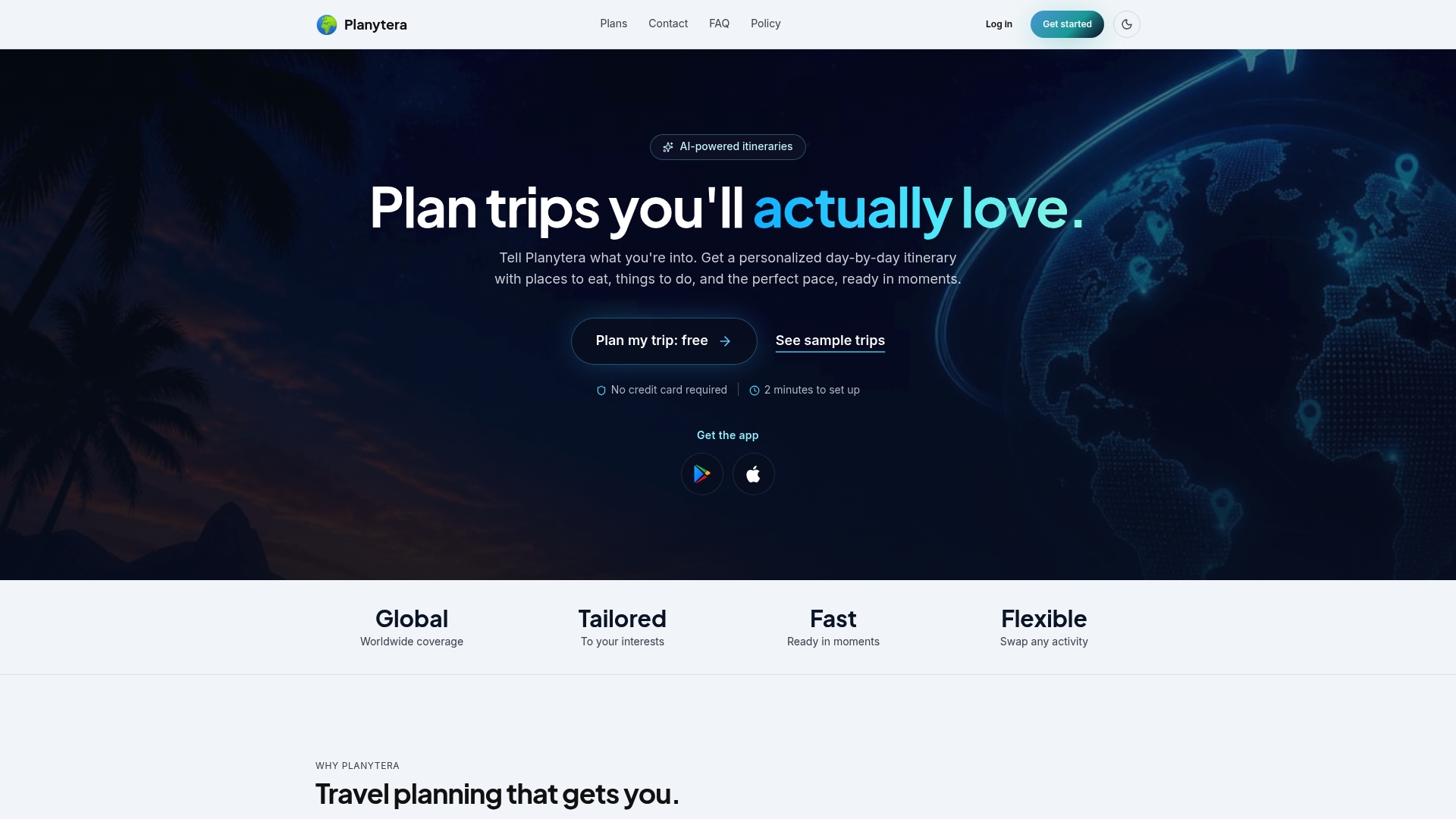
Planytera builds personalized daily plans that factor dietary requirements, traveler pace, and budget into each day. It produces ready-to-use itineraries without forcing you into spreadsheets. The app also supports offline access and a trip journal so your plan travels with you.
Core Features
Planytera uses AI generated itineraries to create daily schedules from your interests and dates, then offers maps and live travel guidance linked to Apple and Google Maps. You can swap activities or adjust the plan on the go and share read only links for group planning. The app includes offline access, journaling, multi language support, and works for short breaks, road trips, or extended tours.
Key Differentiator
The standout capability is automated personalization that adapts to preferences while keeping group planning simple. That blend of tailored daily plans and collaborative sharing reduces configuration work for shared trips. It lets every participant see the same itinerary without editable chaos, keeping coordination practical.
Pros
Planytera creates trips quickly, turning a few inputs into a usable plan so you skip hours of research. Offline maps and a journal let you follow and record your trip when you lose signal. The tool prioritizes accessibility and language options, and it supports dietary requirements and pace preferences, which helps travelers with special needs. You can build or try trips without entering credit card details.
Cons
- Estimates are approximate and not live booking prices. You must confirm rates with providers before making reservations.
Who It's For
Planytera fits travelers who want automated, customizable trip planning with privacy and flexible sharing. It works for solo travelers who need quick plans, groups coordinating activities, and travel agencies managing client itineraries. The app also suits travelers who require dietary accommodations or accessible options.
Unique Value Proposition
Daily itineraries that incorporate dietary rules, traveler pace, and budget settings make planning more precise and personal. That focus reduces manual edits and lets you hand off planning to the app while keeping final control. For groups, the practical effect is fewer back and forth messages and a single shared reference everyone can follow.
Real World Use Case
A solo traveler enters destination, interests, dates, and dietary notes, then receives a detailed, editable plan with restaurant suggestions and mapped routes. The traveler saves offline maps, tests a day on the phone, and shares a read only link with a friend. Live guidance keeps timing reliable while the journal stores photos and notes.
Website: https://planytera.com
TripIt
At a Glance
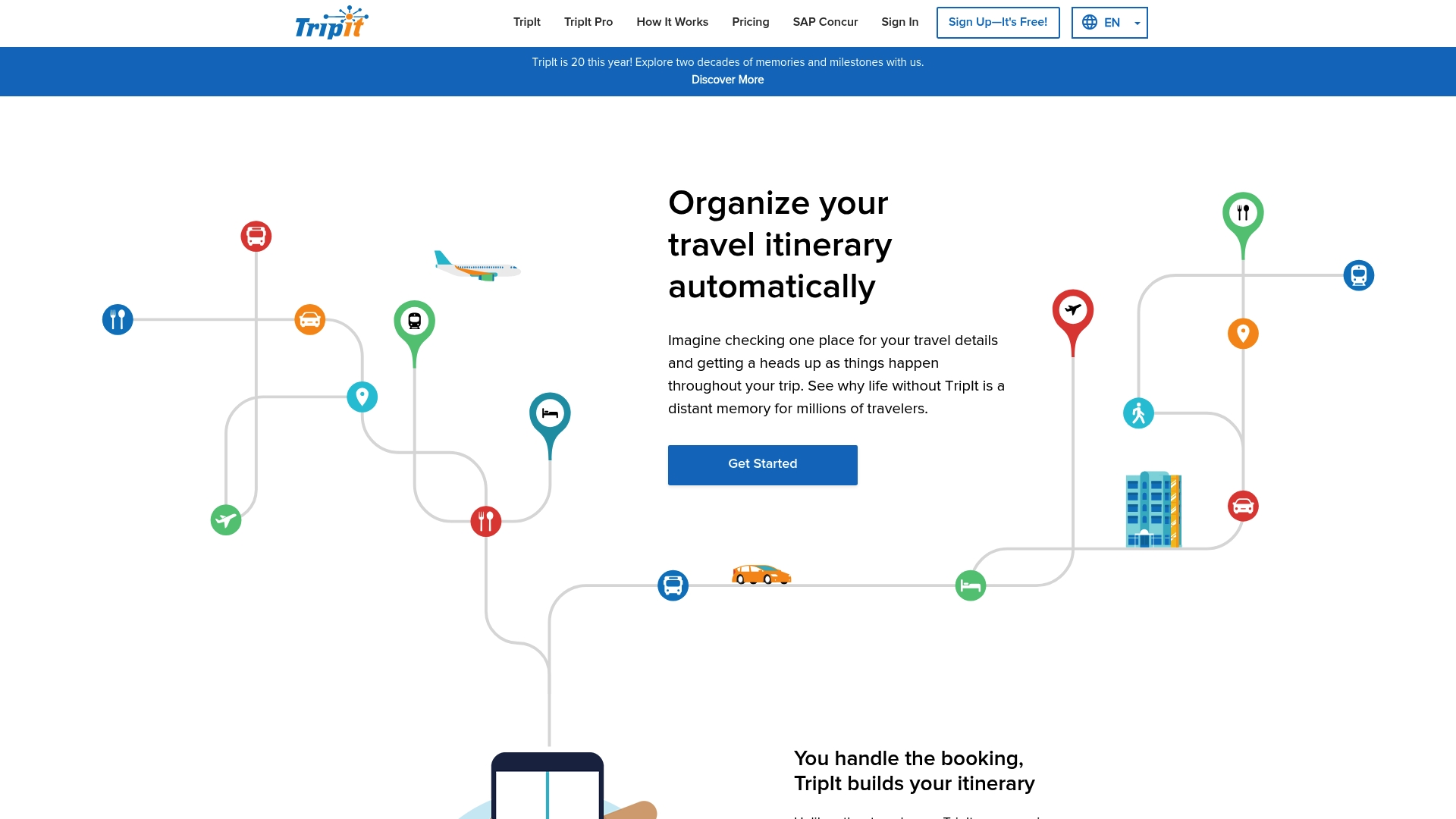
Automatically creates full travel itineraries from forwarded booking emails regardless of booking source. It extracts flights, hotels, and car reservations and groups them into a single trip view. TripIt Pro adds extra flight alerts and travel guidance for frequent travelers, while a automatic itinerary creation workflow handles the heavy lifting of assembling confirmations.
Core Features
Automatic itinerary creation gathers confirmations you forward by email and turns them into a day by day plan that shows flights, hotels, and ground transport in one place. The app delivers real time flight alerts, reminders for gates and departure times, and travel tips tied to each stop. TripIt Pro layers additional alerts and guidance for more complex trips.
Key Differentiator
The core distinction is the parsing engine that builds a unified itinerary from any booking email. That parsing removes manual entry when you collect reservations from airlines, hotels, and third party booking sites. This focus on email based import sets TripIt apart from itinerary tools that rely on manual input.
Pros
It consolidates mixed bookings into one readable itinerary, so you can find flight times and hotels at a glance. Real time notifications keep you updated about flight changes and gate updates while you travel. A free tier covers the basics, and TripIt Pro adds richer alerts and travel guidance for frequent business travelers.
Cons
- Premium features require a subscription, which may feel costly for occasional travelers.
- You must forward booking emails to TripIt for automatic itineraries, and managing forwarded messages across multiple accounts can be tedious.
- Some features add little value for simple single trips, so infrequent users may not need the paid tier.
When It May Not Fit
If you only take a couple of simple trips each year, the Pro features are unlikely to pay for themselves. Casual planners who prefer building itineraries by hand may find the email forwarding step more work than benefit. Groups or teams that need collaborative, shared planning workflows may prefer a tool built around shared editing rather than forwarded confirmations.
Who It's For
Frequent travelers and business travelers who organize multiple trips will get the most from TripIt. People who want quick access to flight alerts and a single source of truth for confirmations benefit from its email parsing. Travelers who need reliable reminders and fast access to gate and departure details will appreciate the app.
Real World Use Case
A business traveler forwards flight, hotel, and car rental confirmations to TripIt to create a detailed itinerary. During a complex multi leg trip, the app sends flight delay and gate change notifications to the traveler. That keeps the traveler focused on meetings while TripIt tracks schedule changes.
Website: https://tripit.com/web
Packy AI
At a Glance
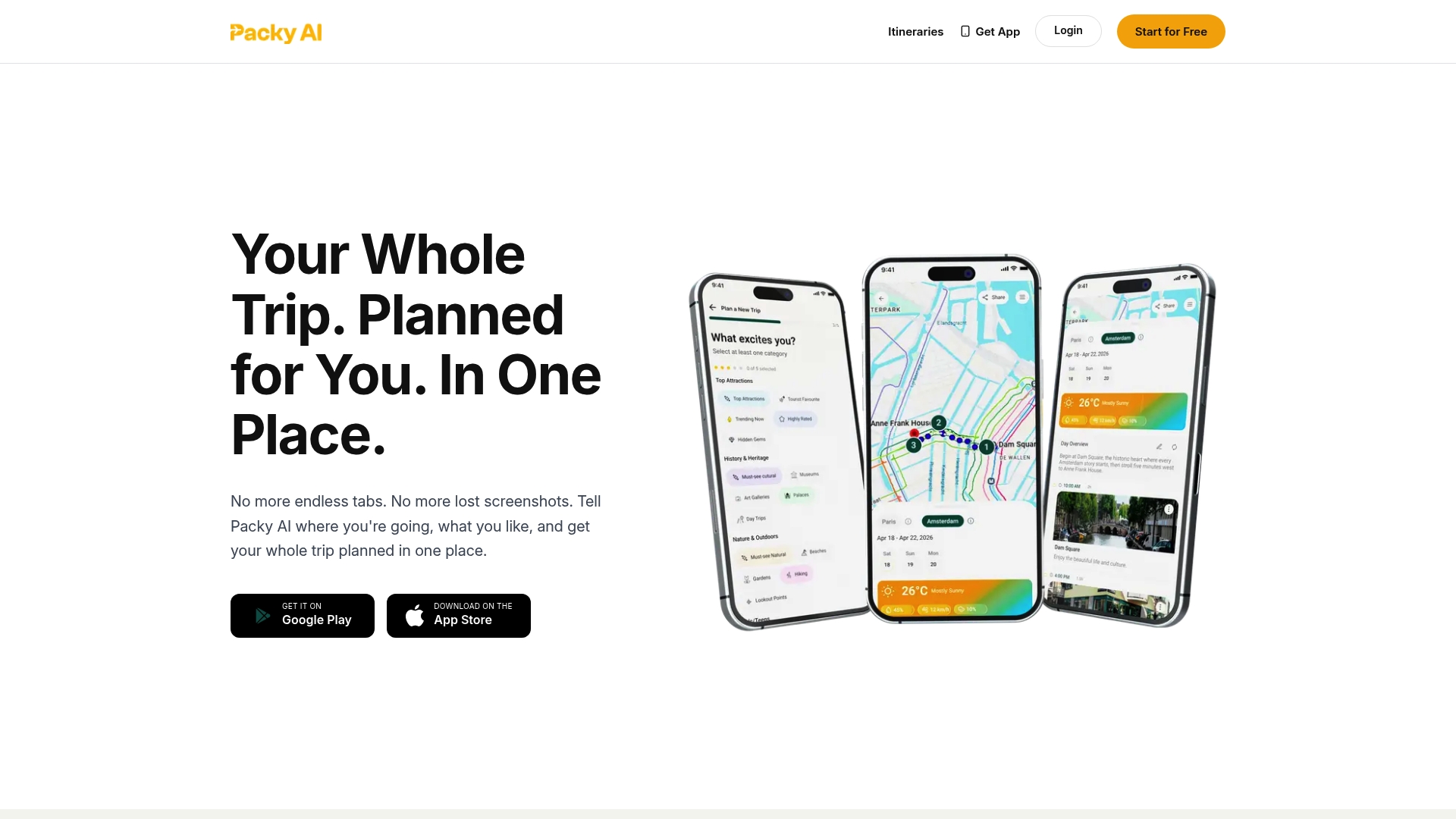
You can browse and adopt curated itineraries created by other travelers. Packy AI also stores travel documents and builds packing lists so trip prep lives in one place. The app is based in Adelaide, Australia, and targets people who want AI-assisted, shareable itineraries.
Core Features
Packy AI generates AI powered itineraries and consolidates bookings into a single timeline for easy reference. It offers curated itineraries from real travelers, packing checklists, document storage, and options to share plans with family or groups. The product is available via mobile apps and a web interface for planning on the go.
Key Differentiator
The standout is AI powered personalized itinerary generation paired with built in booking consolidation and sharing. That mix helps you move from an idea to a day by day plan without juggling multiple apps. For travelers who value ready made trip templates plus booking organization, that combination shortens planning time.
Pros
Packy AI handles the whole planning flow from inspiration to bookings and keeps travel documents in one place, which reduces manual tracking. The app offers personalized suggestions based on your preferences and a library of traveler created itineraries you can adopt or edit. Mobile access makes last minute edits and shared access simple for family members while on the road.
Cons
-
Interface feels outdated or sluggish for some users, which slows navigation and editing.
-
The app can misparse booking details in some cases, requiring manual fixes after import.
-
Sharing and collaboration work, but live multiuser editing and advanced group controls are limited.
-
Progress on interface updates and new features appears slow, according to user feedback.
When It May Not Fit
If your group needs real time collaborative editing or advanced multiuser controls, Packy AI will likely fall short. If you expect a modern, highly responsive interface, the current UI may feel dated. If you rely on perfect automatic parsing of every booking, occasional parsing errors will interrupt your workflow.
Who It's For
This product fits travelers who want AI assisted, all in one trip planning with sharing and document storage. It works well for families coordinating multi destination vacations and solo travelers who prefer suggested itineraries. Travel bloggers and itinerary curators will also find the library of user created plans useful.
Real World Use Case
A family uses Packy AI to plan a multi destination vacation, adding flights, hotels, and activities into a single timeline. They generate packing lists for each traveler and store passports and insurance scans inside the app. Each family member accesses the shared itinerary on their phone for coordination during travel.
Pricing
Not applicable. Packy AI lists the offering as informational only rather than a priced product or tiered subscription.
Website: https://packyai.com
TripZip
At a Glance
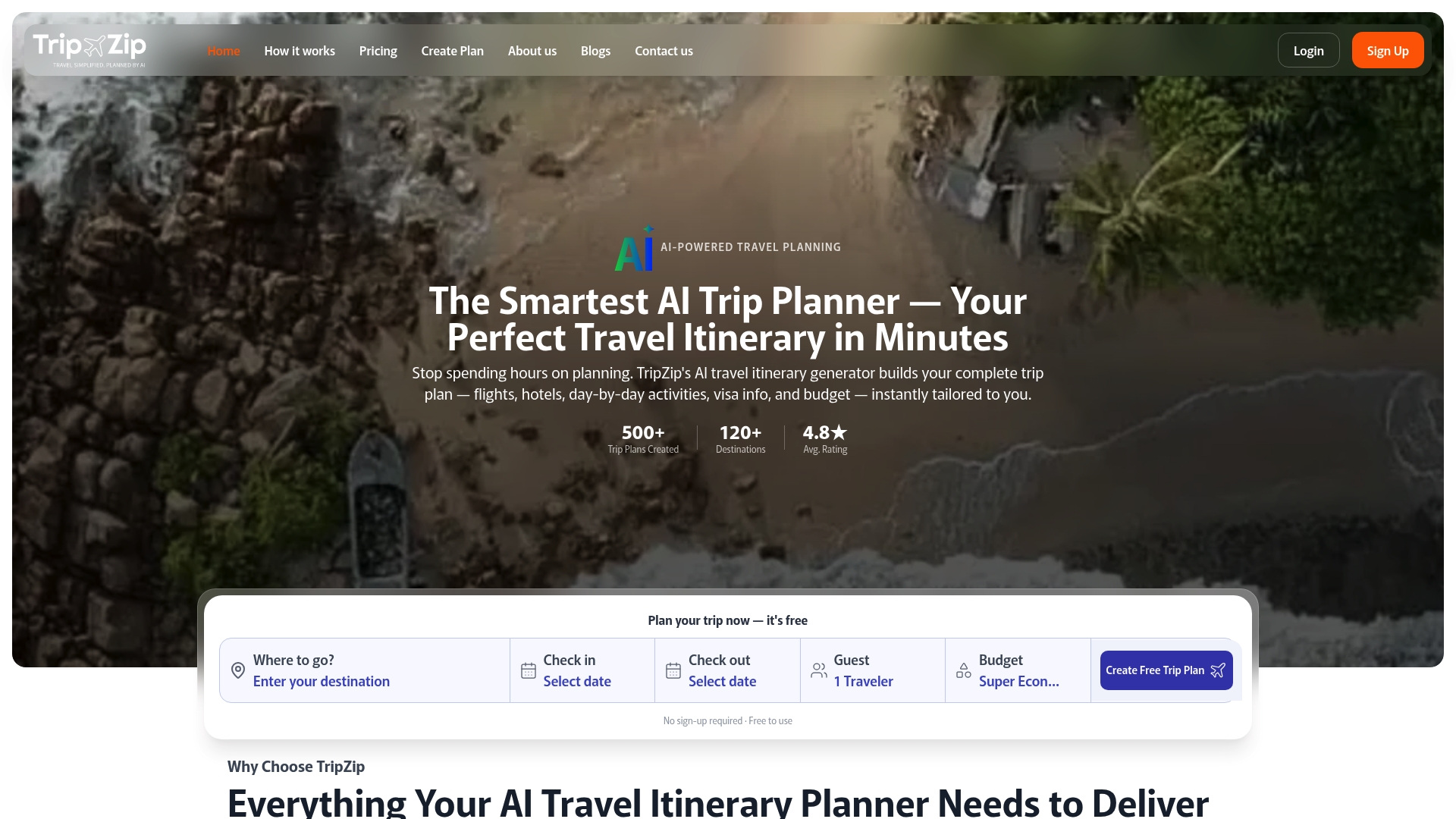
The vendor claims TripZip generates complete travel itineraries in under 60 seconds. It matches real flight options and hotel suggestions to your budget and returns day by day plans with visa and weather notes. The tool supports over 120 destinations and lets you edit, share, and book directly through the platform.
Core Features
TripZip uses AI to produce instant itineraries that include flights, hotels, activities, visa requirements, and integrated weather forecasts. The planner pulls real-time booking data so flight and hotel suggestions reflect current options, and it produces day by day suggestions for restaurants and experiences. You can customize each day, share plans with others, and complete bookings from the same interface.
Key Differentiator
TripZip’s main distinction is that it consolidates live travel data into ready to book itineraries. That tight coupling of flights, hotels, visa updates, and weather in a single editable plan reduces the number of places you must cross check. For travelers who want one detailed document that goes from planning to booking, this unified approach matters.
Pros
TripZip automates much of the legwork involved in planning so you save hours of research. Its use of live flight and hotel data means suggested options reflect current availability and price. The itineraries are highly editable, so you can tweak pace, swap activities, or change accommodation without rebuilding the whole plan. Support for many global destinations makes it useful for international trips, and basic features work without a sign up or credit card.
Cons
- Public pages provide limited detail on accommodation quality and review scores, which forces extra checking on review sites.
- The tool relies on third party feeds for booking and visa info, so occasional inaccuracies in real-time data may appear.
- Some buyer reviews report delayed support or trouble getting fast help when itinerary adjustments are needed.
When It May Not Fit
If you need deep hotel review data and verified property ratings, TripZip may leave gaps in your vetting workflow. Teams that require guaranteed enterprise support or customized agent workflows will find the reported support delays problematic. If you prefer a travel advisor to manage complex bookings and changes, the platform’s automated focus will not match that hands on service model.
Who It's For
This product fits travelers who want a quick, automated itinerary and who plan to book flights and hotels themselves. It suits solo travelers, families, honeymooners, and groups that value a complete editable schedule. Use it when you want a polished, ready to book plan fast and then refine it yourself.
Real World Use Case
You enter destination, travel dates, budget, and preferences into TripZip. The tool instantly returns a full itinerary with suggested flights, hotel matches, day by day activities, visa notes, and weather guidance. You edit the days, share the plan with travel companions, and complete bookings from the itinerary page.
Pricing
TripZip offers a free tier with basic features that do not require sign up or a credit card. Optional paid plans start at $9.00 per plan. The pricing model lets you try the core planner for free and pay for upgraded plan features when you need them.
Website: https://tripzip.ai
Liffy.AI
At a Glance
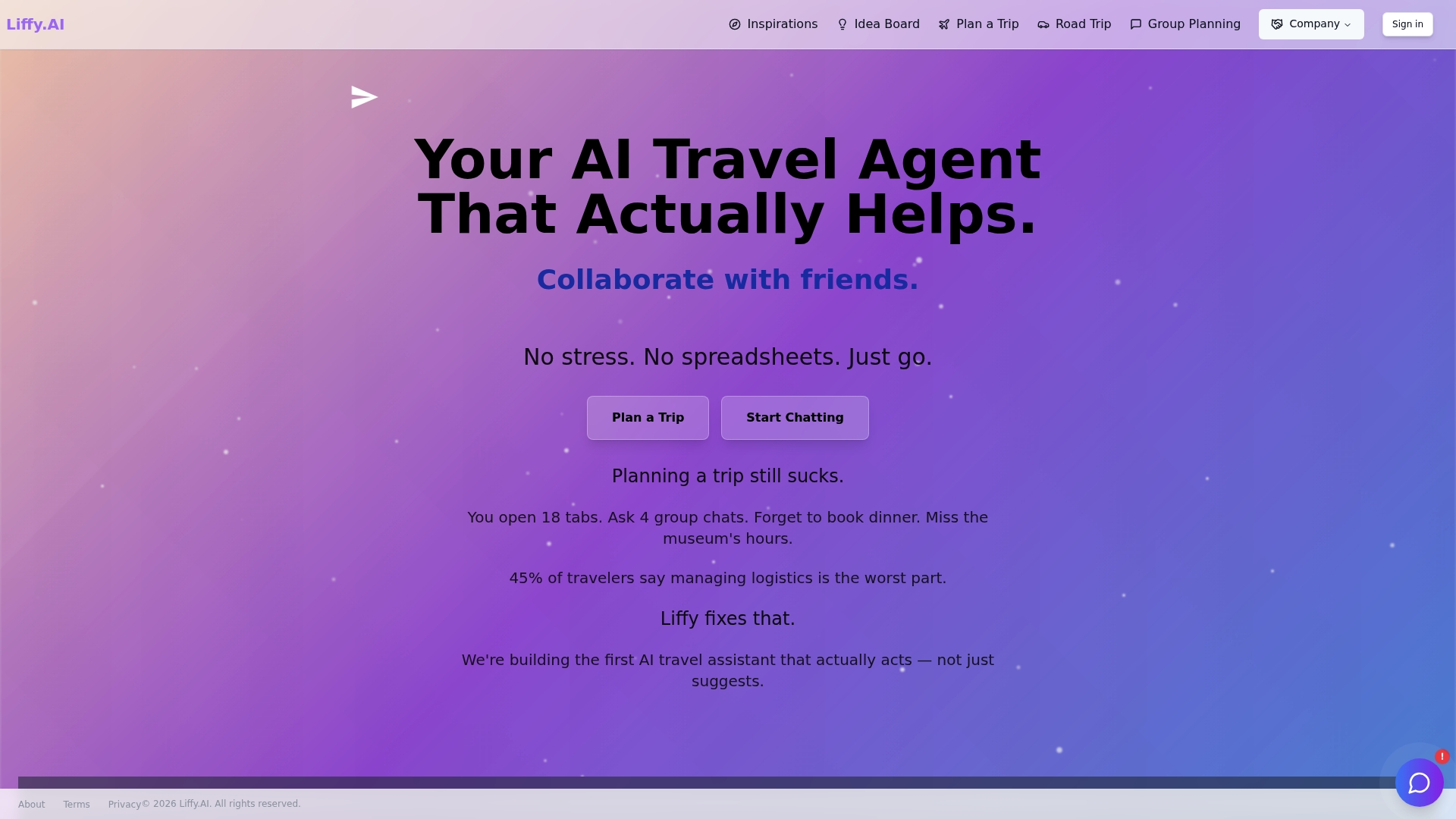
Liffy.AI claims to be the first AI travel assistant that actively manages bookings, reschedules, and adapts itineraries in real time. The platform pairs itinerary building with group collaboration tools and live updates on bookings and weather. That claim sets expectations for automation beyond simple suggestions.
Core Features
Liffy.AI creates day by day itineraries and supports multi stop road trips while syncing plans across your devices. The app adds group features such as shared ideaboards, real time group chat, and expense tracking with photo receipts. It also offers AI calling to make or change reservations and delivers live weather and booking updates.
Key Differentiator
The standout feature is the vendor claim that Liffy.AI actively handles bookings and rescheduling rather than only recommending options. That claim suggests the product will take operational steps for you, including voice calls for reservations. This focus on operational automation separates it from planners that stop at itinerary suggestions.
Pros
Liffy.AI brings genuine automation to trip logistics, moving some of the heavy lifting off your to do list. The group chat and shared ideaboards make coordinating with friends and family straightforward, while expense photo tracking keeps costs clear. The vendor emphasizes privacy and states no data selling or internet tracking, which will appeal to privacy conscious travelers.
Cons
-
Limited independent reviews. The vendor reports positive user reaction to privacy and automation, yet third party coverage and long term user feedback remain scarce.
-
AI driven interface may require a learning period. Travelers comfortable with spreadsheets or manual planners could find the workflow unfamiliar.
-
Pricing details are not published for consumer tiers. The product data lists pricing as Not applicable — informational only, so cost expectations may be unclear before contacting the vendor.
Who It's For
Tech savvy travelers who want an assistant that takes care of bookings and adjusts plans on the fly will get the most from Liffy.AI. It also fits travel groups that need shared planning spaces and tourism businesses looking to add automated itinerary capabilities. Solo travelers who prefer low friction planning will appreciate the hands off approach.
Real World Use Case
A family organizes a multi city vacation and uses a shared ideaboard to pin attractions and restaurants. Group chat coordinates arrival times while AI calling handles a restaurant reservation and a sudden hotel reschedule after a weather alert. The itinerary updates across devices so everyone sees changes as they happen.
Pricing
The product data marks pricing as Not applicable — informational only. No public tiered pricing or a starting monthly figure is listed, so expect to contact the vendor for commercial details.
Website: https://liffy.ai
Alternatives to Wanderlog.com for Travel Planning
Choosing the ideal travel planning tool depends on features, user compatibility, and specific travel needs. Here is a comparison of notable platforms.
| Product | Core Feature | Key Differentiator | Best For | Pricing | Notable Limitation |
|---|---|---|---|---|---|
| Planytera | AI-generated personalized itineraries | Customizable plans with group sharing | Solo travelers and agencies | Price not published | Estimates not match live booking rates |
| TripIt | Email-generated complete itineraries | Unified view of trip confirmations | Frequent business travelers | Free, Pro tier at variable cost | Email forwarding setup required for automatic processing |
| Packy AI | Curated itineraries and packing lists | Combines planning and document storage | Families and itinerary curators | Price not published | Interface reportedly sluggish or outdated |
| TripZip | Instant booking-enabled itineraries | Live travel data for bookings | Solo travelers and families | Free tier, paid plans $9.00+ | Limited accommodation detail requiring extra verification |
| Liffy.AI | Real-time adaptive itineraries | Automates bookings and rescheduling | Tech-savvy group travelers | Price not published | Limited third-party reviews |
Which wanderlog.com alternatives offer real personalization for your trip plans?
Travel planning can feel complex when you juggle dietary needs, traveler pace, and group preferences. Many tools focus on hotel and flight bookings but skip creating daily plans that truly fit how you travel. Planytera solves this by quickly building AI-powered, personalized itineraries that adjust to your budget and pace while supporting easy group collaboration.
With Planytera, you get ready-to-use day-by-day plans with live travel guidance, offline access, and a trip journal to capture memories. It fits solo travelers, families, and groups needing flexible, detailed trips without the hassle of spreadsheets. See how Planytera can simplify your next trip at Planytera and start shaping an itinerary tailored to your needs.
FAQ
How does Planytera support dietary requirements in travel planning?
Planytera supports dietary requirements by factoring them into each personalized daily itinerary. The app ensures that all restaurant suggestions accommodate dietary restrictions, which is particularly beneficial for travelers with special needs. You can expect a tailored experience that aligns with your dietary preferences.
What is the difference between TripIt and Planytera?
TripIt automatically creates itineraries by gathering bookings from emails, making it convenient for users who prefer minimal manual input. Planytera, on the other hand, focuses on generating personalized daily plans that consider dietary requirements and traveler pace. This makes Planytera better suited for users looking to customize their trips significantly.
Can I edit my itineraries with Planytera once they're created?
Yes, you can easily edit your itineraries with Planytera after they are created. The app allows you to adjust activities and timelines on the go, enabling flexibility during your travels. This feature is particularly useful for spontaneous travelers or those who want to tailor their plans to their day-to-day experiences.
Does Planytera offer offline access for its itineraries?
Planytera does provide offline access, allowing you to follow your itinerary even when you lack internet connectivity. This means your travel plans stay accessible during your journeys, enhancing convenience and peace of mind.
How does Planytera simplify group planning?
Planytera simplifies group planning by allowing users to create shareable read-only links for their itineraries. This feature ensures that all group members have access to the same plan without the chaos of editable documents, making coordination easier for collaborative trips.