
Your best path to reliable itinerary notifications is a two-layer setup: turn on automatic calendar imports first, then add a dedicated app for push and SMS fallbacks so nothing slips through on travel day. Three pieces do the real work here: Google Calendar's Gmail import feature, a live-status window that typically kicks in 72 hours before departure, and an all-in-one app like Planytera to catch what calendars miss.
Your fastest options, in order:
- Turn on "Events from Gmail" for zero-effort calendar imports.
- Forward messy or nonstandard confirmations to an email parser.
- Install an app with push notifications and SMS fallback for day-of alerts.
Key Takeaways
Reliable itinerary notifications come from layering automatic calendar imports with an app that handles push, SMS, and small-vendor bookings calendars miss.
| Point | Details |
|---|---|
| Enable Gmail smart features | Turn on "Events from Gmail" in Google Calendar for free, automatic imports from major vendors. |
| Use a parser for messy confirmations | Forward nonstandard or agent-booked confirmations to an email parser instead of hand-entering them. |
| Watch the 72-hour window | Live flight status updates typically start about 72 hours before departure for major carriers. |
| Fix the time zone trap | Set separate start and end time zones for flights instead of defaulting to your home zone. |
| Add Planytera for full coverage | Planytera handles multi-leg trips, small vendors, and group sharing with customizable push and SMS alerts. |
Table of Contents
- How Do You Choose the Right Itinerary Notification Setup?
- How Are Itinerary Notifications Actually Generated?
- Setting Up Itinerary Notifications Step by Step
- What Alerts Should You Actually Expect?
- Why Are Your Itinerary Notifications Missing, and What Does Enabling Them Cost You?
- Why Planytera Covers the Gaps Calendars and Parsers Leave Behind
- Sources
How Do You Choose the Right Itinerary Notification Setup?
Four approaches cover almost every travel situation, and most travelers end up combining two or three.
Calendar auto-import (Gmail → Google Calendar) works when Gmail's smart features recognize a booking confirmation. It is free, requires no app install, and handles flights, hotels, and rental cars from major brands automatically. The catch: forwarded emails, cc'd confirmations, and PDF-only receipts often fail to import.
Email-forward parsing services solve exactly that gap. You forward a confirmation to a dedicated parser address, and it builds a structured itinerary item regardless of formatting. This method needs zero change to how you book travel, which makes it the friendliest option for people who book through agents or third-party sites.
A dedicated itinerary app with customizable push and SMS, like Planytera, adds the layer calendars can't: real-time flight status, activity reminders tied to your actual schedule, and alerts that reach you even offline. Most useful features sit behind a low-cost paid tier, but free versions typically cover the basics.
Manual calendar entry with a browser extension is the fallback for oddball bookings, small vendors, or trips your calendar simply won't recognize. Extensions parse highlighted text and set correct time zones automatically, avoiding hand-entry mistakes.
- Auto-import: free, zero effort, weak on small vendors.
- Email parser: free or low-cost, works on messy confirmations, adds a third-party in your inbox.
- App with push/SMS: best day-of reliability, usually needs installation and sometimes a paid tier.
- Manual + extension: most control, most manual work.
How Are Itinerary Notifications Actually Generated?
Four mechanics sit behind almost every notification you'll ever get. Email parsing scans or accepts forwarded confirmations and extracts flight numbers, times, and locations. Calendar sync, the Gmail-to-Google-Calendar pipeline, auto-populates events when smart personalization is enabled. API-driven live status pulls real-time data straight from carrier systems. SMS gateways act as a fallback channel when push notifications aren't practical, like when you're roaming internationally.

Forwarded confirmations, PDF-only receipts, and mailing-list emails are the most common failure points, since parsers and Gmail's own recognition engine both rely on consistent formatting.
Pro Tip: If your confirmations always arrive forwarded from a travel agent or corporate booking tool, skip Gmail's auto-import entirely and use an email-forward parser instead. It's built for exactly that mess.
- Push notifications: rich detail, essentially free.
- SMS: works with no data connection, best for day-of alerts.
- Calendar sync: platform-agnostic, simplest to set up.
Setting Up Itinerary Notifications Step by Step
Scenario 1: Gmail to Google Calendar (fastest, zero-cost)
- Open Gmail settings and enable "Smart Features and Personalization."
- In Google Calendar settings, confirm "Events from Gmail" is turned on.
- Book directly or receive confirmations straight to your Gmail account, not forwarded.
- Check that every flight segment on multi-leg trips imported as its own event.
Scenario 2: Email-forward parser (best for messy confirmations)
- Set up a forwarding rule for booking confirmations from third-party sites or agents.
- Send confirmations to the parser's dedicated address.
- Review the generated itinerary item for accuracy.
Scenario 3: App with push and SMS fallback
- Install an itinerary app and grant push notification permissions.
- Enable SMS fallback for day-of alerts when you'll have limited data access.
- Set a 24-hour check-in reminder and a separate alert for multi-leg connections.
Scenario 4: Manual entry with a browser extension
- Highlight the confirmation text in your browser.
- Let the extension parse it into a calendar event with correct time zones.
- Double check departure and arrival time zones are set separately, not defaulted to home time.
Across all four, keep a dedicated travel calendar so trip alerts don't bury your work schedule, and always verify the confirmation landed in your inbox instead of spam before assuming a setup failed.
What Alerts Should You Actually Expect?
Most itinerary notification systems cover the same core events, though timing varies by vendor:
- Booking confirmations, the moment you reserve.
- Check-in reminders, typically 24 hours before departure.
- Cancellation-deadline alerts, set as custom reminders since vendor policies vary widely.
- Flight status updates covering delays, cancellations, and gate changes.
- Activity start reminders tied to your day-by-day plan.
- Group-share updates when a travel companion changes a booking.
Live flight status commonly activates within a 72-hour window before departure for major carriers, which is why alerts about delays or gate changes rarely arrive earlier than that. Major airlines and large hotel chains import and update automatically far more reliably than small vendors or forwarded confirmations, which usually need a parser or manual entry to show up at all.
Why Are Your Itinerary Notifications Missing, and What Does Enabling Them Cost You?
When a trip never shows up, work through this checklist:
- Confirm Gmail smart features are switched on, not just calendar sync.
- Check spam and promotions folders. Confirmations get misrouted often.
- Make sure the confirmation came directly to your account, not as a forward or cc.
- Verify you're looking at the correct calendar. It's easy to check a work calendar instead of your travel one.
- Check that your app has push permissions enabled at the OS level.
Enabling Gmail's smart features means Google scans booking emails for structured data. Forwarding to a parser hands that same data to a third party. Neither is inherently risky, but if you'd rather avoid inbox scanning altogether, manual entry with an extension keeps everything local. Review a service's acceptable use terms before connecting your inbox to any third-party tool.
The other recurring failure is the time zone trap: entering both departure and arrival times in your home zone during manual entry. Set start and end time zones separately, or let a parsing extension handle it based on airport codes, since this is a documented, recurring scheduling error even among frequent travelers.
Pro Tip: Want automation without letting Gmail scan your inbox? Use a forward-to-parser address instead. You get the same structured itinerary item without flipping on smart personalization.
Why Planytera Covers the Gaps Calendars and Parsers Leave Behind
Calendars and parsers each solve half the problem. Planytera is built to close the rest of it, especially for multi-leg trips, small vendors, and group travel where a plain calendar entry falls short.
- AI parsing that turns messy confirmations into a structured, editable itinerary.
- Customizable push notifications with timing you control, plus SMS fallback for day-of alerts.
- Offline access, so your itinerary and alerts still work without signal.
- Live travel guidance that adjusts as your trip changes.
- Collaborative sharing, so everyone in your group sees the same updates.
For travelers juggling connecting flights, activity bookings, and a group chat full of changing plans, an AI-customized itinerary with built-in reminders beats stitching together a calendar and three separate apps.
A Practical Take on Which Setup Actually Sticks
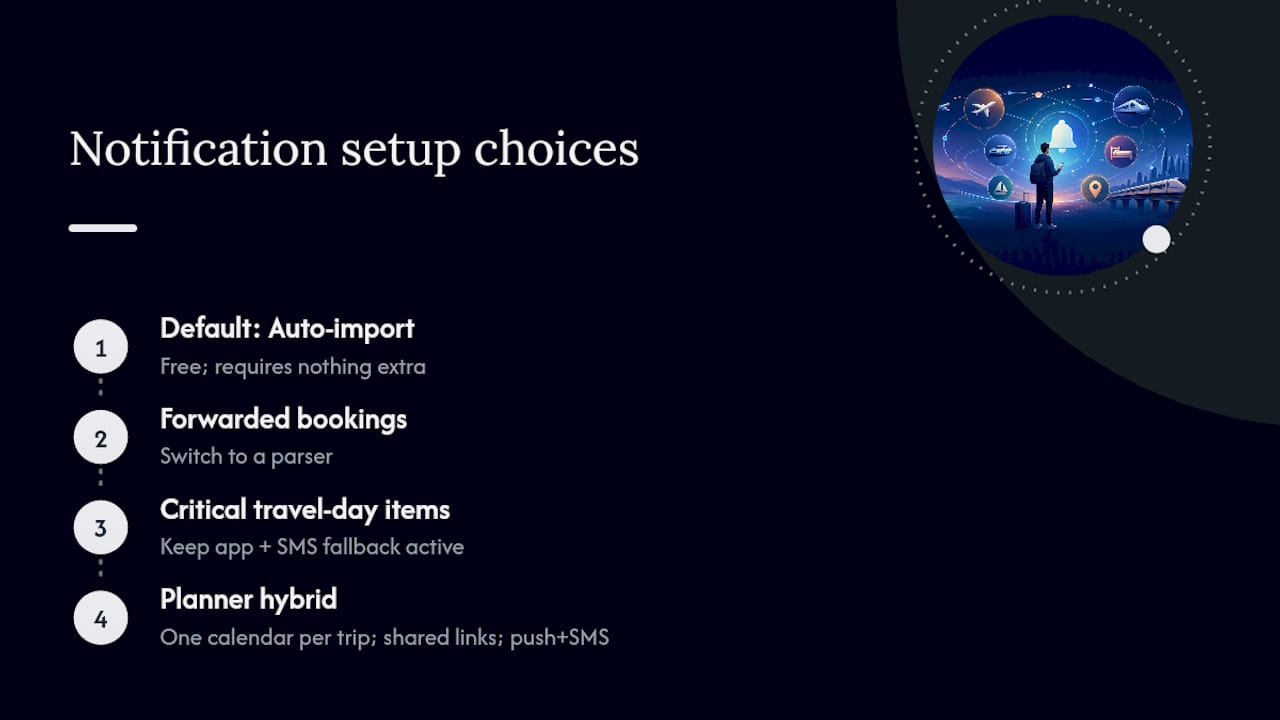
For most trips, calendar auto-import is the right default. It's free and requires nothing extra. But the moment a booking gets forwarded from an agent or a small vendor, switch to a parser, and keep an app with SMS fallback active for anything you can't afford to miss on travel day.
A travel planner juggling several clients tends to run a hybrid: one dedicated calendar per trip, shared itinerary links, and push plus SMS as the safety net for last-minute gate changes.
Start Getting Itinerary Notifications That Actually Work
Planytera builds your day-by-day plan with AI, then keeps you updated with customizable push alerts, SMS fallback, and offline access so a dead zone at the airport never means a missed gate change.
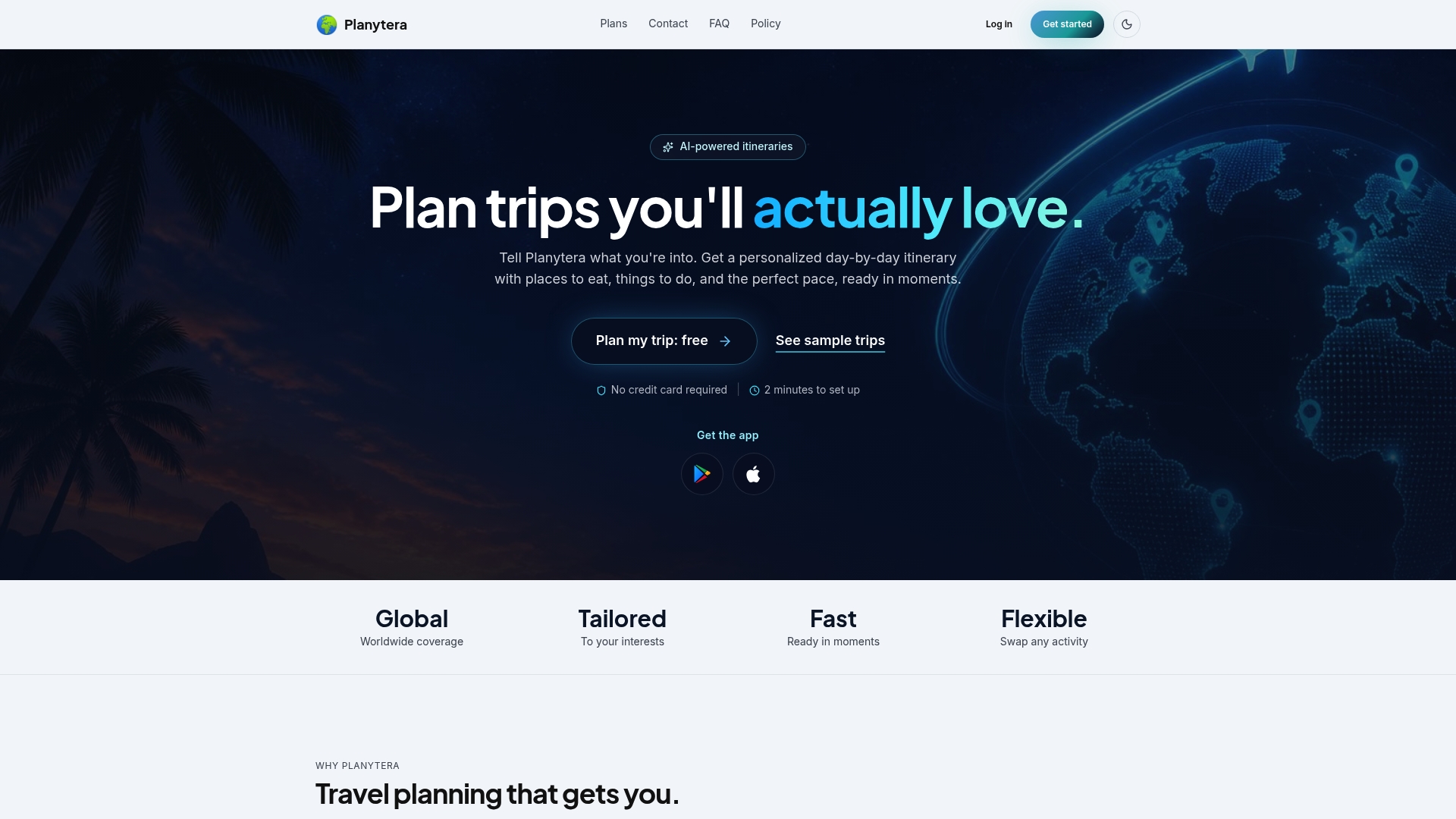
Setup takes minutes: generate your itinerary, set your reminder timing, and share it with everyone traveling with you. Check the subscription plans to see which tier fits a solo trip versus a group booking, or start directly on the Planytera homepage to build your first itinerary today.
Sources
- Events from Gmail — Google Calendar Help
- How to add a flight to Google Calendar (3 ways) — Text-to-Cal blog