
Real-time itinerary editing lets agents keep trips accurate, respond to disruptions before clients notice, and close proposals faster. It is the difference between spending 4.5 hours on a first draft and finishing a polished, client-ready plan in about 12 minutes, according to a practitioner automation guide tracking human-reviewed workflows. The operational upside is real and measurable.
Here is what that means for your agency day-to-day:
- Faster proposals. AI-assisted drafting with live data cuts time-to-first-draft from hours to minutes.
- Quicker disruption response. Agents using automated monitoring can cut disruption response time from roughly 90 minutes to around 3 minutes.
- Higher client satisfaction. Custom, up-to-date itineraries correlate with meaningfully higher traveler satisfaction scores.
Read the steps below to pilot this at your agency, starting this week.
Key Takeaways
Real-time itinerary editing gives agents a measurable operational edge: faster drafts, faster disruption response, and higher client satisfaction, all within a human-verified workflow.
| Point | Details |
|---|---|
| Speed gains are documented | Time-to-first-draft can drop from ~4.5 hours to ~12 minutes in human-reviewed automated workflows. |
| Human sign-off stays mandatory | IATA standards require agents to verify fares, tickets, and confirmations in official systems before client delivery. |
| Start small and measure | A 30-60-90 day pilot with defined KPIs (draft time, CSAT, disruption response) builds the internal ROI case. |
| Privacy compliance is your responsibility | CCPA considerations, audit logs, and limited PII in AI prompts are non-negotiable for US agencies. |
| Planytera as a pilot path | Planytera's AI drafts, editable shared itineraries, and agency tools make it a practical low-risk starting point. |
Table of Contents
- What does "real-time itinerary editing" actually mean for agents?
- How real-time editing directly improves your agency's results
- How real-time itinerary editing actually works: data, AI, and the human in the loop
- Practical steps for agencies to adopt real-time itinerary editing
- US-focused privacy, data security, and liability considerations
- KPIs and measurement: how to prove value from real-time itinerary editing
- Failure modes, limitations, and sensible guardrails
- How Planytera illustrates a practical real-time itinerary editor in an agency workflow
- What agencies that adopted real-time editing actually report
- Planytera makes your agency pilot faster and lower risk
- Sources
What does "real-time itinerary editing" actually mean for agents?
The term gets used loosely, so a clear definition helps. Real-time itinerary editing means your planning system pulls live data continuously, reflects changes instantly in the client-facing document, and notifies both agent and traveler the moment something shifts. It is not just a shared Google Doc. It is a connected workflow where a flight delay, a hotel rate change, or a local event cancellation triggers an automatic update cycle that ends with an agent review before anything reaches the client.
Capabilities you should expect from a genuine real-time editing setup:
- Live data sync with flight status feeds, hotel availability, and supplier confirmations
- Immediate client-facing updates pushed to a shared, editable itinerary link
- Version control so you can roll back to any prior state if an edit goes wrong
- Shared collaborative editing for multi-agent or group-travel workflows
- Automated alerts when a monitored element changes (price, availability, entry rules)
You may see this called "live itinerary sync," "editable itinerary engine," or "real-time travel planning" depending on the platform. The underlying behavior is the same: monitor, detect, update, verify, publish.
How real-time editing directly improves your agency's results
The five highest-impact benefits map cleanly to the metrics agency managers actually track.
Speed to first draft. The practitioner guide cited above documents time-to-first-draft dropping from roughly 4.5 hours to roughly 12 minutes in automated, human-reviewed implementations. That frees agents to handle more trips per week without adding headcount.
Disruption response time. The same source reports disruption response time falling from over an hour to just a few minutes. When a flight cancels at 11 PM, your client hears from you with alternatives before they check the airline app themselves.
Personalization accuracy. A 2025 prototype study published in IRJAEM found that AI-powered itinerary systems improved personalization accuracy significantly in experimental scenarios, with real-time adaptability showing notable gains. Those are prototype numbers, not live-production guarantees, but they signal the direction.

Conversion rate. Proposals that arrive faster and reflect current availability close at higher rates. Agents who can send a polished, accurate itinerary within an hour of a client inquiry have a structural advantage over those who follow up two days later.
Client satisfaction. Applied reporting from Around Travel notes that custom itineraries and AI-assisted workflows correlate with roughly 40% higher traveler satisfaction in cases where clients engage with personalized planning. Higher satisfaction drives referrals, repeat bookings, and stronger NPS scores.
Stat to use in your next budget conversation: Disruption response time can drop from over an hour to just a few minutes with an automated, human-reviewed workflow. That is a 97% reduction in one of the most stressful parts of the job.
How real-time itinerary editing actually works: data, AI, and the human in the loop
Three layers make the system run: data ingestion, AI orchestration, and agent verification. Understanding all three helps you evaluate any platform or build your own workflow.
Layer 1: Data ingestion
Your system needs live feeds from multiple sources simultaneously. Common ones include:
- GDS/PNR feeds for flight status, seat availability, and fare changes
- Hotel rate APIs for live pricing and room availability
- Weather APIs for destination conditions that affect activity scheduling
- Local event and closure feeds for venue changes, festivals, or strikes
- Supplier confirmation systems for tour operators, transfers, and experiences
- IoT and mobility data from smart-city feeds that can reduce wait times through dynamic routing
Layer 2: AI orchestration
Once a change is detected, an AI layer drafts updated options. Research on LLM-based travel assistants shows these systems can generate personalized itinerary drafts when grounded in live data sources. The orchestration pattern looks like this: monitor → detect change → re-enrich with alternatives → draft revised options → queue for human review.
The TINT model, a time-aware neural itinerary approach, improves recommendation accuracy and feasibility on multi-city datasets, though its authors note it has not been validated in live production and recommend A/B testing before full deployment. That caveat applies broadly: lab results and live-production results are not the same thing.
Layer 3: Agent verification
No AI output goes to the client without your sign-off. IATA guidance is clear that agents remain accountable for verifying fares, tickets, and supplier confirmations in official systems. The AI drafts; you decide.
Human-in-the-loop checkpoints to keep non-negotiable:
- Price and availability verified in GDS or supplier portal before confirming
- Entry rule and visa requirement checks against official government sources
- Final client communication reviewed and sent by a named agent, not an automated system
Pro Tip: Set explicit automation thresholds before you launch. Auto-suggest changes for low-stakes items like restaurant recommendations or activity timing. Require agent approval for anything touching price, accommodation, or transportation. Document those thresholds in your team's operating guide.
Practical steps for agencies to adopt real-time itinerary editing
A three-step pilot gets you from zero to a working proof of concept in 30 days.
-
Identify your highest-value use case. Pick one trip type where disruptions are common or drafting time is painful. International multi-city itineraries or group travel are good starting points because the time savings are most visible.
-
Integrate your priority data sources. Start with PNR/flight monitoring and one hotel rate feed. Connect your AI drafting tool to those feeds. Route alerts to a single Slack or Teams channel where one agent reviews and approves before anything goes to the client.
-
Run human-reviewed trials on 20–50 itineraries. Measure time-to-first-draft, amendment turnaround, and client response before scaling. Use the AI itinerary customization guide to refine your prompt patterns during this phase.
30-day goal: Baseline KPIs captured, one agent trained, 20 itineraries processed with human sign-off. 60-day goal: Second agent trained, 50 itineraries completed, first CSAT data collected. 90-day goal: Decision on scaling to full team based on measured time savings and satisfaction scores.
Pro Tip: Three starter prompt patterns that work well: (1) "Draft a 5-day itinerary for [client profile] in [destination], flagging any item that depends on live availability." (2) "Rewrite day 3 to avoid [closed venue], keeping the same pace and budget." (3) "List three alternative hotels in [area] matching [criteria] with current availability." Always follow each AI draft with a verification prompt: "Which items in this itinerary require live confirmation before sending to the client?"
US-focused privacy, data security, and liability considerations
Agents must protect client personally identifiable information (PII), control where data flows, and document consent for automated communications. This is not optional, and the liability sits with your agency.
Key checkpoints for US-based agencies:
- CCPA compliance. If you serve California residents, you must disclose what data you collect, how it is used, and honor deletion requests. Review your platform's data processing agreement before connecting client data to any AI tool.
- Supplier contract clauses. Add language specifying that client data shared via API is used only for booking fulfillment, not for third-party training or marketing.
- Secure storage and encryption. Client PII in itinerary systems should be encrypted at rest and in transit. Confirm your platform's encryption standards before onboarding.
- Audit logs. Keep a record of every automated change and every agent sign-off. If a client disputes a booking, you need a clear trail.
- Limit data in prompts. When using AI drafting tools, avoid pasting full passport numbers, payment details, or sensitive health information into prompt fields. Use anonymized client profiles for drafting, then populate sensitive fields in your booking system separately.
- Planytera's acceptable use policy outlines permitted data usage for agency accounts; review it at Planytera before your pilot.
For transactional verification (tickets, visas, travel insurance), always check official government and carrier sources. No AI output substitutes for a confirmed booking record or an embassy's current entry requirements.
Pro Tip: When sharing an editable itinerary link with a client, include one sentence of consent language: "By accessing and editing this itinerary, you agree that [Agency Name] may use your travel preferences to personalize future trip suggestions. Your data is stored securely and never sold to third parties." Simple, clear, and defensible.
KPIs and measurement: how to prove value from real-time itinerary editing
Track these six KPIs from day one of your pilot. Without baseline data, you cannot make the ROI case to finance or operations leadership.
| KPI | What it measures | How to instrument it | Target improvement |
|---|---|---|---|
| Time-to-first-draft | Minutes from client brief to draft itinerary sent | Timestamp in your CRM or project tool | ~4.5 hours → ~12 minutes |
| Disruption response time | Minutes from alert to client notification | Slack/Teams log timestamps | ~90 min → ~3 min |
| Agent trips per week | Itineraries completed per agent | CRM booking records | 20–40% increase |
| Amendment turnaround | Hours from change request to updated itinerary | Ticket or task system | Same-day vs. next-day |
| CSAT/NPS | Client satisfaction score post-trip | Post-trip survey (email or SMS) | Measurable lift vs. baseline |
| Revenue per agent | Gross booking value per agent per month | Accounting or CRM revenue report | Track trend, not a fixed target |
The KPIs most persuasive to finance and operations stakeholders are time-to-first-draft and revenue per agent, because they translate directly into labor cost and top-line impact. Disruption response time resonates with operations leaders who own client escalation processes. Start with those three in your pilot presentation.
Failure modes, limitations, and sensible guardrails
Real-time editing fails in predictable ways. Knowing them in advance lets you build guardrails before they become client-facing problems.
Common failure modes and their fixes:
- Stale data. A feed that has not refreshed in 20 minutes can show availability that no longer exists. Guardrail: display data freshness timestamps in your review interface and set a maximum acceptable lag (e.g., 15 minutes for flights).
- AI hallucinations. LLMs can generate plausible-sounding but incorrect hotel names, operating hours, or visa rules. Guardrail: mark any AI-generated operational fact as "verify before sending" and require agent confirmation against a primary source.
- Supplier T&Cs mismatches. An AI may suggest a rate or cancellation policy that differs from the actual contracted terms. Guardrail: always pull final pricing and policy from your GDS or supplier portal, not from the AI draft.
- Latency issues. High-volume API calls during peak booking periods can slow your system. Guardrail: set query rate limits and build a manual fallback process for when the live feed is unavailable.
- Over-automation. Agents who trust AI outputs without reviewing them create liability. Guardrail: make human sign-off a hard system requirement, not a soft recommendation.
The TINT model research explicitly notes that even high-performing AI itinerary models need A/B testing in live environments before full deployment. That is good practice for any AI-assisted workflow, not just academic models.
Pro Tip: Start with read-only alerts before you enable suggested edits. Spend two weeks just watching what the system flags. Once you trust the signal quality, move to suggested edits that still require agent approval. Only after 60 days of clean performance should you consider any auto-publish capability, and even then, limit it to low-stakes content like activity descriptions.
How Planytera illustrates a practical real-time itinerary editor in an agency workflow
Planytera is a practical starting point for agencies piloting real-time itinerary editing because it combines AI-generated day-by-day itineraries with editable, shareable plans and built-in agency tools, all in one platform.
Feature mapping for an agency pilot:
- AI draft generation produces personalized day-by-day itineraries based on client interests, dietary needs, pace, and budget, cutting the blank-page problem entirely
- Editable and shareable itineraries let clients review and comment on their own plan, reducing back-and-forth email chains
- Group collaboration tools support multi-traveler planning with shared access and preference tracking, useful for group trip coordination
- Live travel guidance surfaces real-time advisories during the trip itself, not just at the planning stage
- Offline access means clients and agents can reference the itinerary without a data connection
A practical pilot scenario: an agency assigns one agent to process 50 itineraries through Planytera over 30 days. The agent uses AI drafts as a starting point, reviews each one against GDS data for pricing and availability, then shares the editable link with the client for approval. The KPIs to watch are time-to-first-draft, number of client revision rounds, and post-trip CSAT scores.
Proof points to collect during the pilot: average draft time before and after Planytera, number of client-requested amendments per itinerary, CSAT scores compared to the prior 30-day baseline, and agent-reported confidence in the AI outputs after human review. These four data points build the internal ROI case for scaling.
What agencies that adopted real-time editing actually report
Early adopters consistently say the same thing: the speed gains are real, but the change management is harder than the technology.
Three practitioner lessons that come up repeatedly:
Change management takes longer than setup. Agents who built their reputation on hand-crafted itineraries can feel threatened by AI drafting tools. The agencies that adopt fastest are the ones that frame AI as handling the heavy lifting on research and formatting, while the agent's judgment, relationships, and expertise remain the product. That framing is accurate and it sticks.

Staff training needs to cover verification, not just drafting. Most training programs focus on how to prompt the AI. The more important skill is knowing which outputs to trust and which to check. Build a verification checklist into your onboarding from day one. The IATA travel agent resources are a useful reference for setting those standards.
Clear escalation rules prevent client-facing errors. Define in writing which changes an agent can approve independently and which require a supervisor review. Ambiguity here is where mistakes happen.
Pro Tip: During rollout, run a weekly 15-minute team review of AI outputs that agents flagged as incorrect or surprising. This builds collective calibration fast, surfaces recurring hallucination patterns, and keeps agents engaged rather than passive. Agents who actively critique the AI stay sharper and trust the system more, not less.
Planytera makes your agency pilot faster and lower risk
Agencies piloting real-time itinerary editing need a platform that handles AI drafting, client sharing, and team collaboration without requiring a six-month integration project. Planytera delivers all three out of the box.
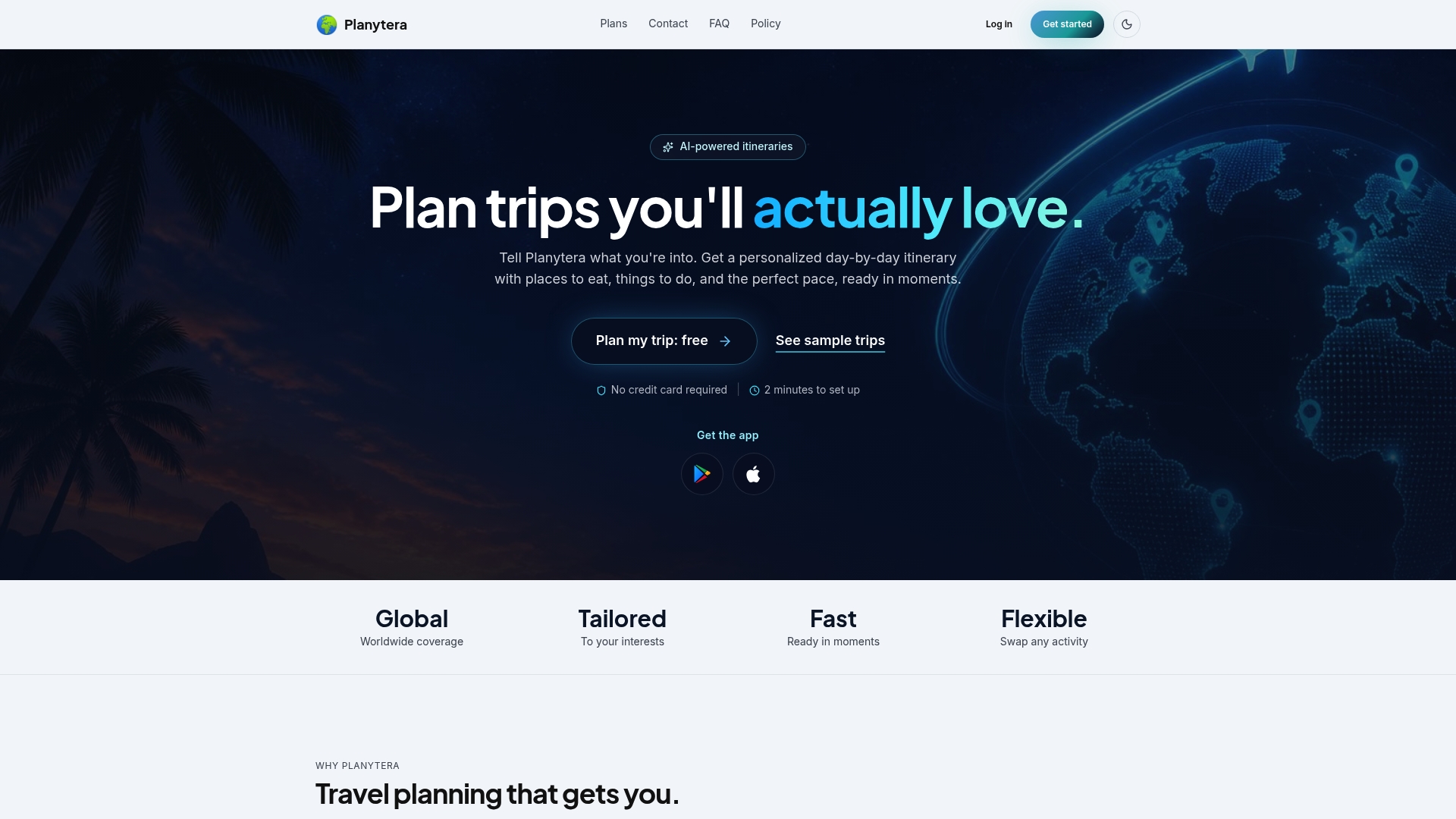
Agency features to prioritize in your pilot:
- Bulk planning tools for processing multiple itineraries in parallel
- Team collaboration so multiple agents can review and edit the same trip
- Brandable itineraries that go to clients under your agency's name
- Live advisories that surface real-time travel alerts during active trips
Start with a 30-day pilot. Assign one agent, pick one trip type, and measure time-to-first-draft and CSAT against your current baseline. The data you collect in that first month is what makes the case for scaling to your full team. Start your Planytera pilot and see the difference in your first week.
Sources
Start with these official resources and applied guides for deeper research on real-time itinerary editing and AI workflows.